Saving Dashcam Footage After a Collision
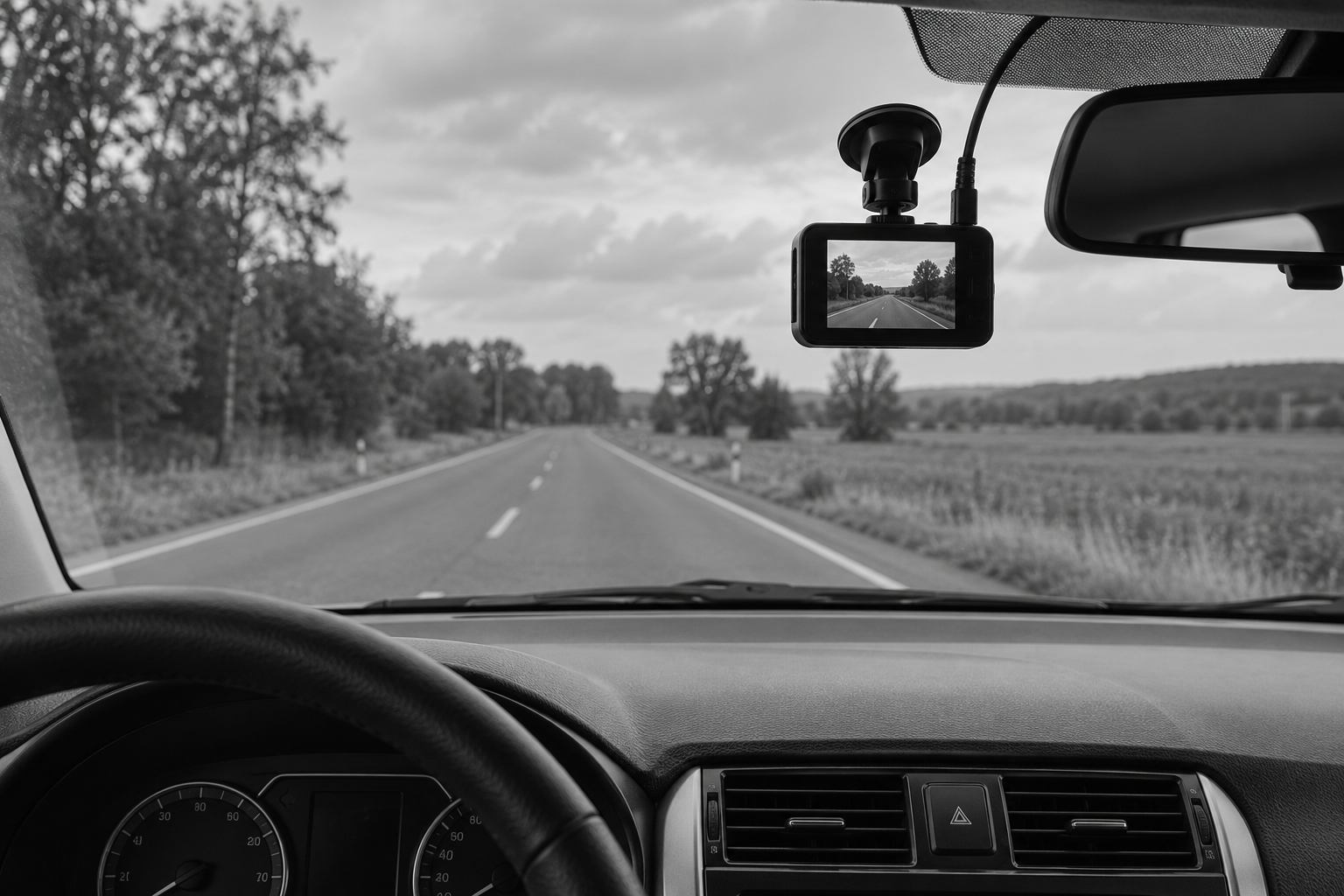
Saving dashcam footage should be addressed promptly because some cameras routinely replace older recordings as storage fills. If your camera may have captured an accident, follow its safe operating instructions and arrange to preserve the relevant files. The goal is to retain the original material before ordinary use changes what remains available.
Preserving the complete recording gives your account of the collision the best opportunity for a fair review. You do not have to decide which second proves the case before saving it. Keeping the relevant surrounding period allows your lawyer and any necessary expert to understand the sequence.
Safety comes first. Do not handle a camera while driving or remain in a dangerous location to manage a memory card. Obtain emergency assistance when needed. Once you are safe, tell your lawyer that a recording may exist so preservation can be addressed alongside the other immediate issues.
Learn How This Camera Stores Its Files
Some devices save clips on a removable card. Others also use an app or connected account. An event-lock feature may protect a segment, but its operation should be confirmed rather than assumed. The particular device's instructions can help identify the appropriate method.
If the camera was damaged, avoid repeated experiments that could worsen the condition or change the files. A qualified person may be able to assess recovery options. The device's make and model, along with what happened to it after the collision, can help guide that assessment.
Keep any information about changes made after the event. If a card was removed or a clip was copied, note the sequence. A simple account created while the details are fresh is more useful than trying to remember months later who handled the material.
An app's visible clip may not be the only relevant source. A local card may contain a longer period or a different quality version. Identify the sources before deleting an app, resetting the device or replacing the card for continued use.
Retain Context Rather Than Only the Impact
The approach can explain the movement that led to a collision. The aftermath may establish positions or capture a contemporaneous statement. A short highlight chosen immediately after the accident may miss something that becomes important when the other driver's account is received.
Keep the complete relevant files and make separate working copies. Adding a caption or slowing a presentation can be useful for explanation later, but the original should remain available. That separation helps show what the device recorded and what was added for viewing.
If audio is included, preserve it with the original source. Its use may raise separate privacy or evidentiary questions. Your lawyer can address those questions without discarding the material before its relevance is understood.
There is no need to upload the footage publicly to prove that you saved it. A secure transfer to counsel is a more appropriate first step. Public sharing may strip information from the file and expose unrelated conversation without improving the evidence.
Make Copies That Can Be Traced to the Source
A supported export is generally preferable to recording a playback screen. The latter may crop the view or reduce detail. If a screen recording is all that is initially available, retain it and explain how it was made while seeking the better source if possible.
Label copies clearly enough to distinguish the original received file from later versions. Keep the camera or card information associated with the file. This does not require the client to become a forensic examiner; it requires avoiding unnecessary changes and explaining the steps already taken.
Your lawyer can determine whether specialized collection is warranted. A straightforward clip may need only ordinary source testimony, while a serious dispute about timing or authenticity may justify technical assistance. The method should match the actual concern.
If a file will not open, retain it rather than repeatedly converting it through unfamiliar services. The issue may be a player or format requirement. A failed playback attempt does not establish that the recording is useless or permanently lost.
Review the Complete Evidence With Your Lawyer
The camera records a viewpoint, not a final legal conclusion. A lens or mounting position may affect how distance appears. The displayed time may need confirmation. Those issues can be evaluated after the source has been preserved.
Share the entire relevant recording even if a portion needs explanation. A lawyer can help assess the facts and prepare an accurate response. Selecting only the favorable segment prevents a complete evaluation and may create problems when another copy emerges.
If the video has already been overwritten, explain what happened without guessing. There may be an earlier export, a copy supplied to an insurer or another camera. The investigation can consider those possibilities along with the remaining evidence.
Prompt preservation protects the opportunity for a fair review. It allows the legal analysis to develop from the actual recording rather than a memory of what appeared on a small screen. That is the practical reason to address dashcam files early in an injury case.
Sources and Further Reading
About Michael B. Fusco
Michael B. Fusco is a New Jersey personal injury attorney certified by the Supreme Court of New Jersey as a Civil Trial Attorney. Read Mike’s biography and credentials.
Discuss Your Personal Injury Questions
If you have questions about an injury in New Jersey, I am happy to discuss what happened and the options the facts may support. You do not need to have every document or answer before contacting us. Call 732-465-8733 or contact Fusco Law for a free personal injury consultation.
General Information
This article provides general information, not legal advice for a particular situation. Laws and policy terms must be applied to the actual facts. Reading this article or contacting the firm does not, by itself, create an attorney-client relationship.